

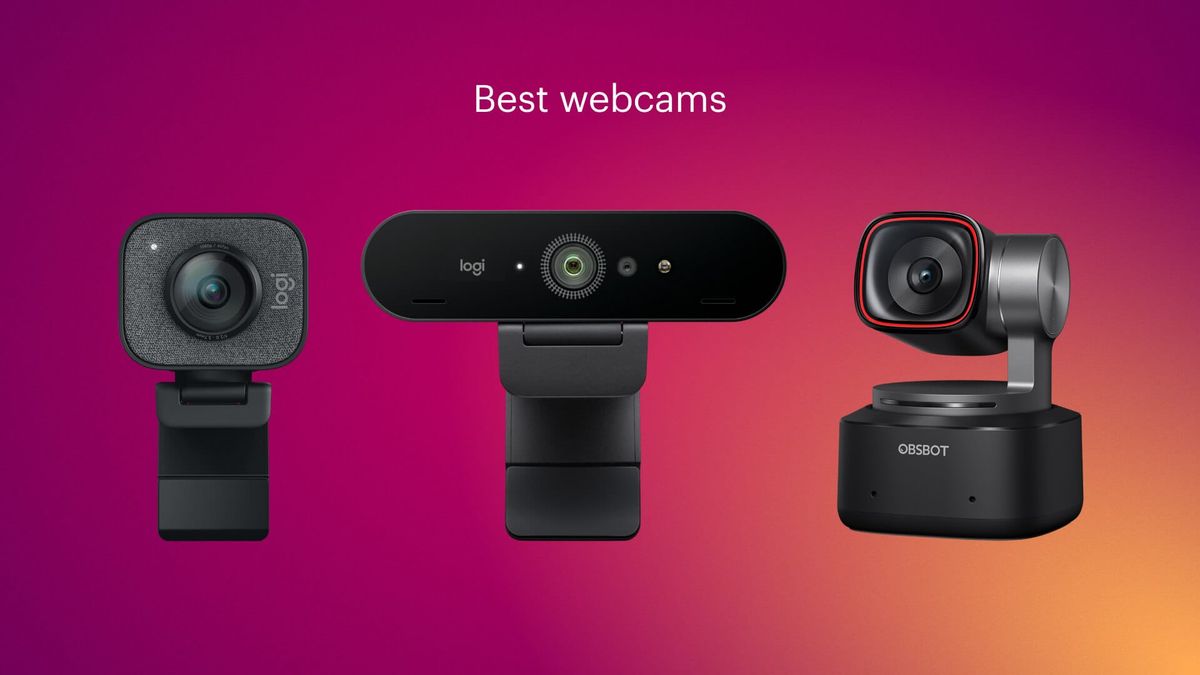
Choosing the right webcam has become an essential step for content creators, professionals, and gamers who rely on high-quality video communication. Whether you are live streaming on platforms, hosting virtual meetings, or creating online tutorials, your webcam quality directly impacts viewer experience and engagement. A good webcam can make even a simple setup look professional, while a poor one can reduce clarity and credibility.
When evaluating streaming equipment, many users start by comparing different models and features, and resources like best webcams for streaming can help simplify this decision by breaking down the most important technical aspects. However, understanding the fundamentals of resolution, frame rate, and low-light performance is equally important so you can make an informed choice based on your specific needs.
Table of Contents
ToggleWhy Resolution Matters for Streaming
Resolution is one of the most noticeable factors in webcam quality. It determines how sharp and detailed your video appears to viewers. Most modern webcams offer at least 1080p Full HD resolution, while premium models support 2K or even 4K streaming.
Higher resolution provides:
- Sharper facial details and clearer visuals
- Better presentation quality for professional meetings
- More flexibility when cropping or zooming video
- Improved viewer engagement in content creation
However, higher resolution also demands more processing power and bandwidth. For users with limited internet speed or older computers, 1080p often strikes the perfect balance between quality and performance.
Frame Rates and Smooth Video Performance
Frame rate, measured in frames per second (fps), determines how smooth your video appears. A higher frame rate reduces motion blur and creates a more natural viewing experience, especially during fast movements or live streaming.
Common frame rates include:
- 30 fps: Standard for video calls and casual streaming
- 60 fps: Ideal for gaming streams and dynamic content
- 120 fps (rare in webcams): Used for ultra-smooth professional setups
For most streamers, 30 fps is sufficient, but 60 fps has become the preferred choice for creators who want a more fluid and responsive appearance. Smooth motion is especially important in gaming streams where fast reactions and movements are common.
Low-Light Performance and Image Sensors
Low-light performance is often overlooked but plays a crucial role in video quality. Many streamers do not operate in perfectly lit environments, so a webcam that performs well in dim conditions is highly valuable.
Key factors affecting low-light performance include:
- Sensor size: Larger sensors capture more light and reduce noise
- Aperture quality: Wider apertures improve brightness and clarity
- Built-in noise reduction: Helps smooth grainy visuals in dark settings
- HDR support: Balances bright and dark areas for a more natural look
A webcam with strong low-light capabilities ensures that your video remains clear even without professional studio lighting. This is particularly useful for remote workers and casual streamers who rely on natural or indoor lighting.
Essential Features to Look for in Streaming Webcams
Beyond resolution, frame rate, and lighting performance, several additional features can significantly improve your streaming experience.
Autofocus and Image Stability
Autofocus ensures your image remains sharp even if you move around. This is essential for presenters and streamers who are not fixed in one position.
Built-in Microphone Quality
While many streamers prefer external microphones, a good built-in mic can serve as a backup. Look for noise-canceling features for clearer audio.
Field of View (FOV)
Field of view determines how much of the background is visible. A wider FOV is ideal for group calls or showcasing your environment, while a narrower FOV focuses more on your face.
Connectivity and Compatibility
Most modern webcams connect via USB and are plug-and-play, but it is important to ensure compatibility with your operating system and streaming software.
Choosing the Right Webcam for Your Needs
Selecting the best webcam depends on your usage. Gamers and professional streamers may prioritize high frame rates and advanced sensors, while business users may focus on clarity and reliability during video calls. Budget also plays a role, as entry-level webcams offer solid 1080p performance, while premium models provide advanced features like 4K resolution and enhanced low-light processing.
Understanding your priorities helps narrow down options and ensures you invest in a webcam that enhances your content quality without unnecessary features.
In conclusion, a great streaming experience relies on balancing resolution, frame rate, and low-light performance. By carefully evaluating these factors, you can create a setup that delivers clear, smooth, and professional-quality video across all platforms.